Departure Board Screensaver
Windows Screensaver
Bring the clatter of a station departure board to your desk.
A split-flap departure board, in the style of the classic railway station and airport boards.
Free trial
Every feature works. A small trial caption shows on screen until you buy a licence.
- Railway station or airport board
- A live timetable that runs on the real clock
- Delays, platform changes and cancellations
- Every character is a real, clattering flap
- Your own title, colours and font
For Windows 11 · departure-board-screensaver.zip · 72 KB
See it in action
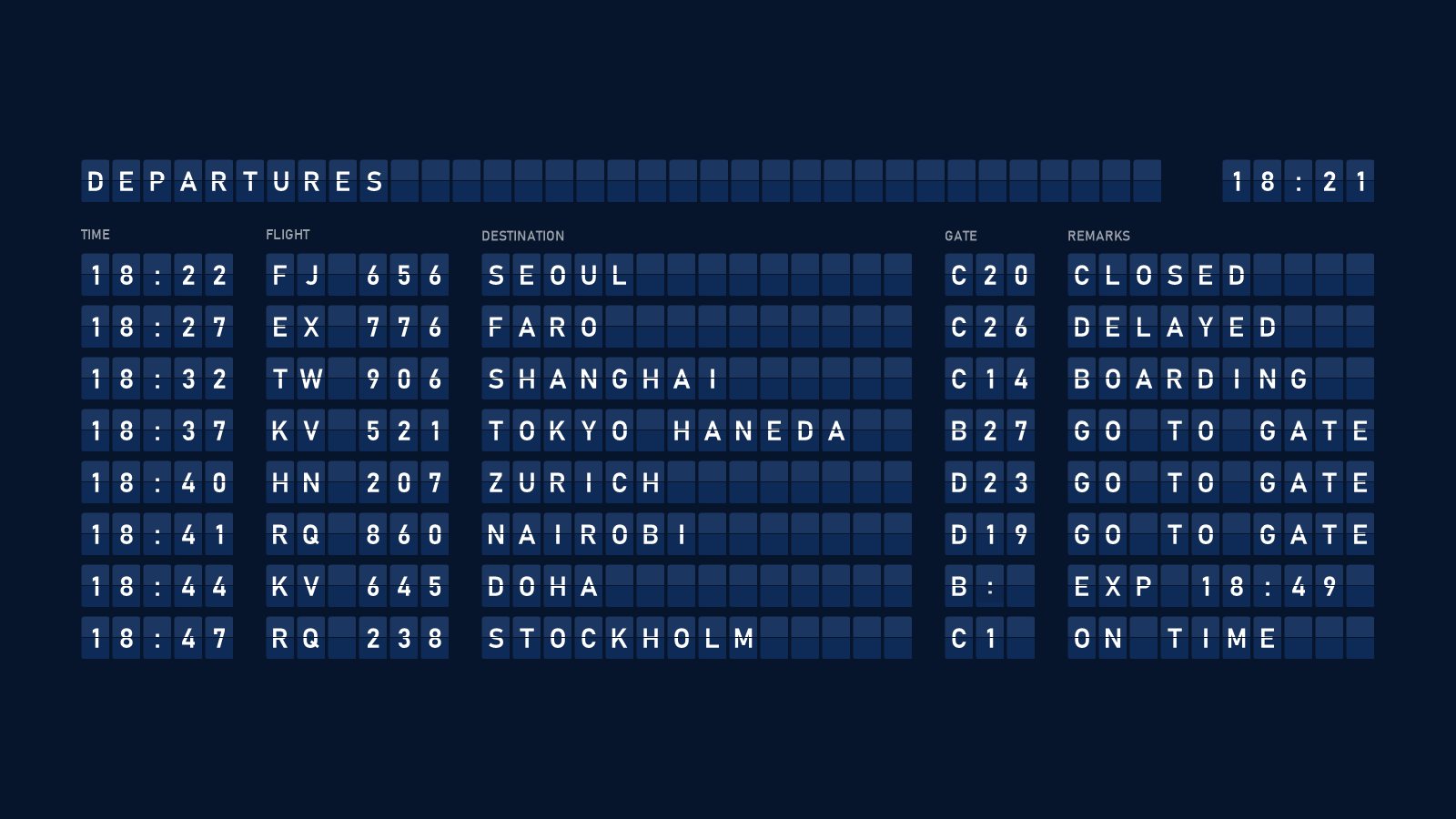
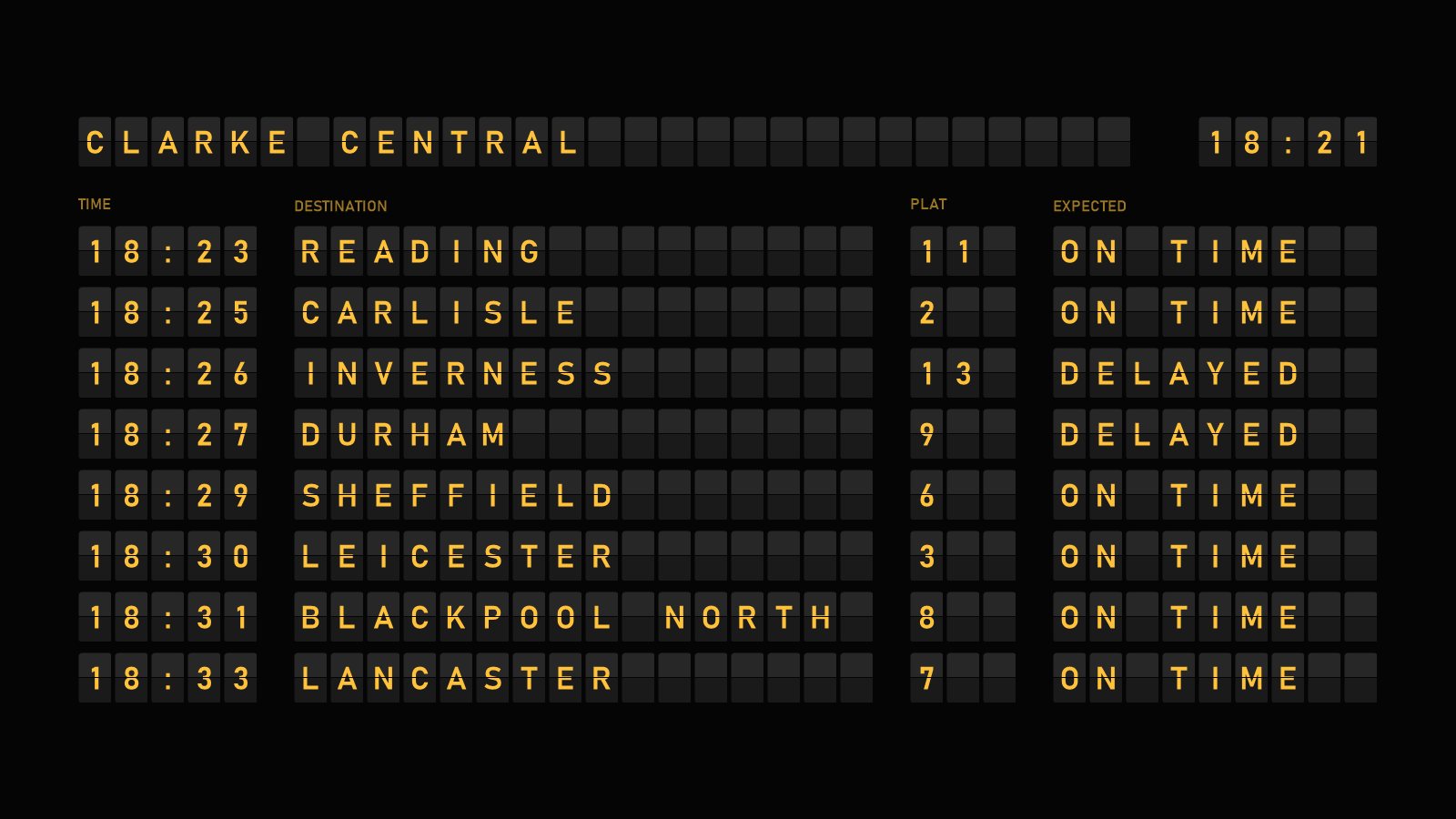
All the drama of the departures hall
Station or airport
Choose a railway board with times, destinations and platforms, or an airport board with flights, gates and remarks.
A timetable that runs
Departures leave at their expected time on the real clock, the rows move up, and a new one joins the bottom.
Just like the real thing
Every so often a train is delayed, changes platform, makes up time or is cancelled. Flights board, get a final call and close.
Real split flaps
Every character steps through the letters one flap at a time until it reaches the one it needs, with an optional clatter sound.
Your own title
Show DEPARTURES, your company name or anything else up to 24 characters, with a flip clock alongside.
Your colours
Pick the character, flap and background colours, or start from the Classic, Amber, Clarke, Blue board, Station green and Retro presets.
Settings
Click Settings… in Windows' Screen Saver Settings to make the Departure Board Screensaver your own. Your choices are saved for your Windows account.
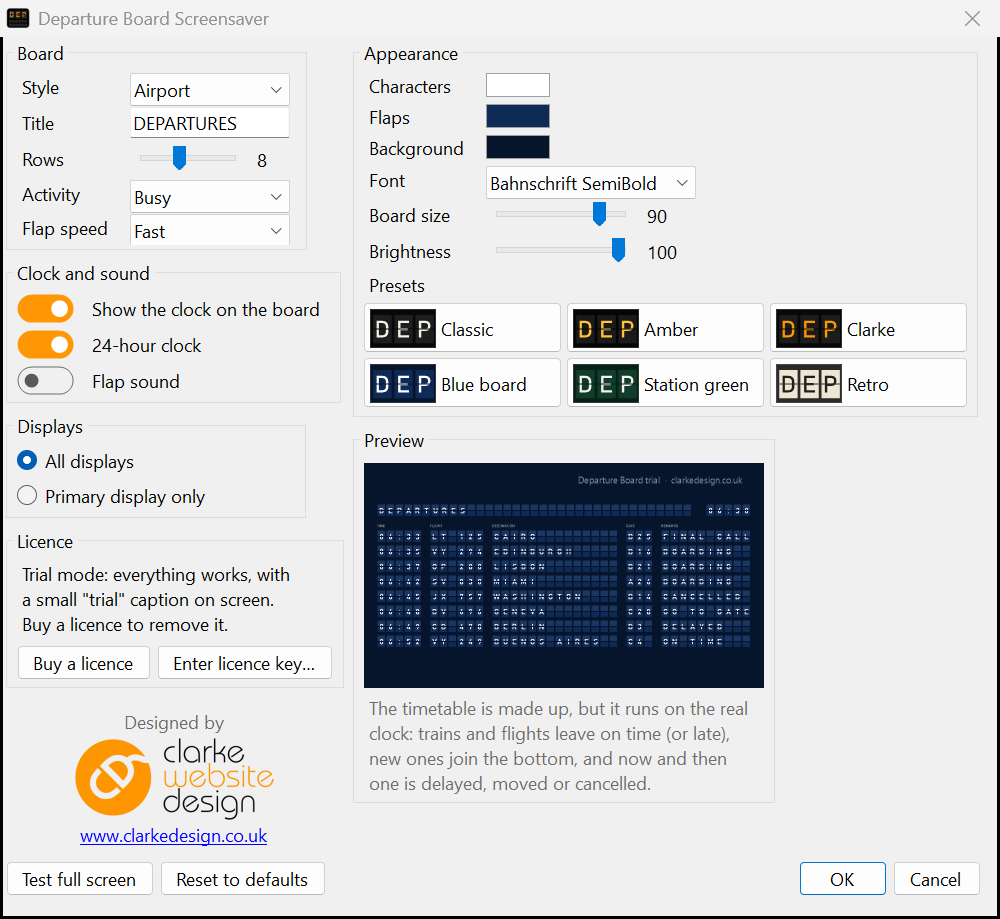
| Option | What it does |
|---|---|
| Style | Railway station or airport |
| Title | Up to 24 characters: letters, numbers and . - : / & ' |
| Rows | 4 to 14 departures |
| Activity | Calm, Normal or Busy: how often trains or flights leave, and how often things change |
| Flap speed | Slow, Normal or Fast |
| Clock | Show a clock in the title row, in 12 or 24-hour time |
| Flap sound | A clatter while the flaps are moving, on the primary display only. Off to begin with |
| Colours | Character, flap and background colours, plus Classic, Amber, Clarke, Blue board, Station green and Retro presets |
| Font | Any installed font. The default is Bahnschrift SemiBold |
| Board size | 40 to 100% of the screen |
| Brightness | 20 to 100% |
| Displays | Primary display only (the others go black), or all displays, each with its own timetable |
Perfect for
- Railway and aviation enthusiasts
- Travel agents and transport businesses
- Offices and reception areas with a screen on show
- Second monitors that are often left idle
- Anyone who loves the sound of a split-flap board
Install in four easy steps
- Download the zip, then right-click it and choose Extract All…
- Copy Departure Board.scr into C:\Windows\System32. Windows will ask for permission, so click Continue.
- Type screen saver into the Start menu search and open Change screen saver.
- Choose Departure Board from the list, click Settings… to customise it, then click OK.
Just want a quick look first? Right-click Departure Board.scr and choose Test to see it full screen, or Configure to open its settings.
Frequently asked questions
Ready to try the Departure Board Screensaver?
It's free to try, it's small, and it takes a minute to install.
More screensavers: Flip Clock · Word Clock · Aurora · OLED Safe · Sky Tonight