Sky Tonight Screensaver
Windows Screensaver
Look up at tonight's real sky, without leaving your desk.
The real night sky above your home, right now, with the stars, planets and Moon exactly where they are tonight.
Free trial
Every feature works. A small trial caption shows on screen until you buy a licence.
- The true sky for your location, minute by minute
- About 5,000 stars, the planets and the Moon in its real phase
- Constellation lines and names that softly come and go
- A slowly turning view, gentle on OLED screens
- Over 50 cities, or use your own location
For Windows 11 · sky-tonight-screensaver.zip · 570 KB
See it in action
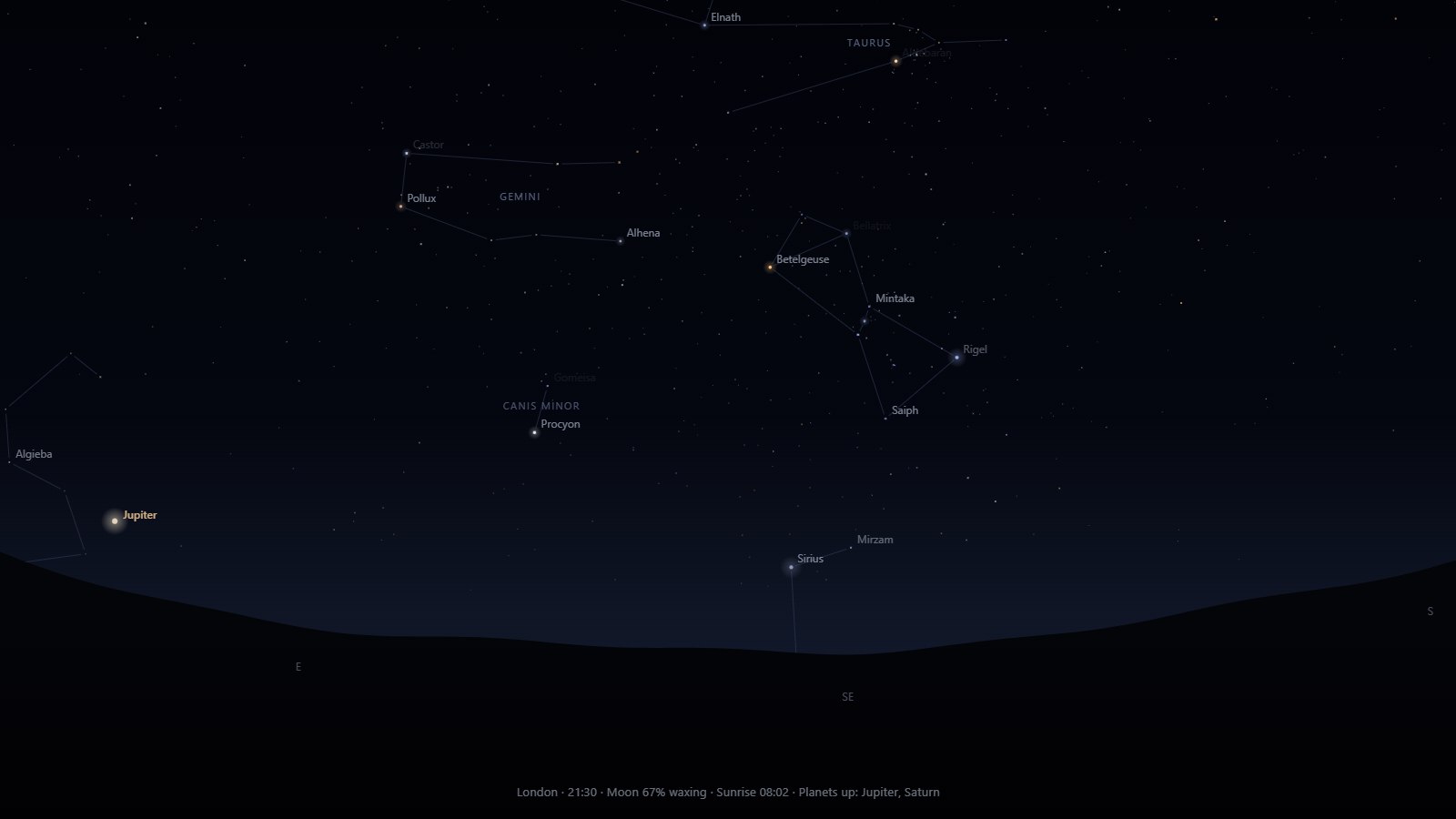
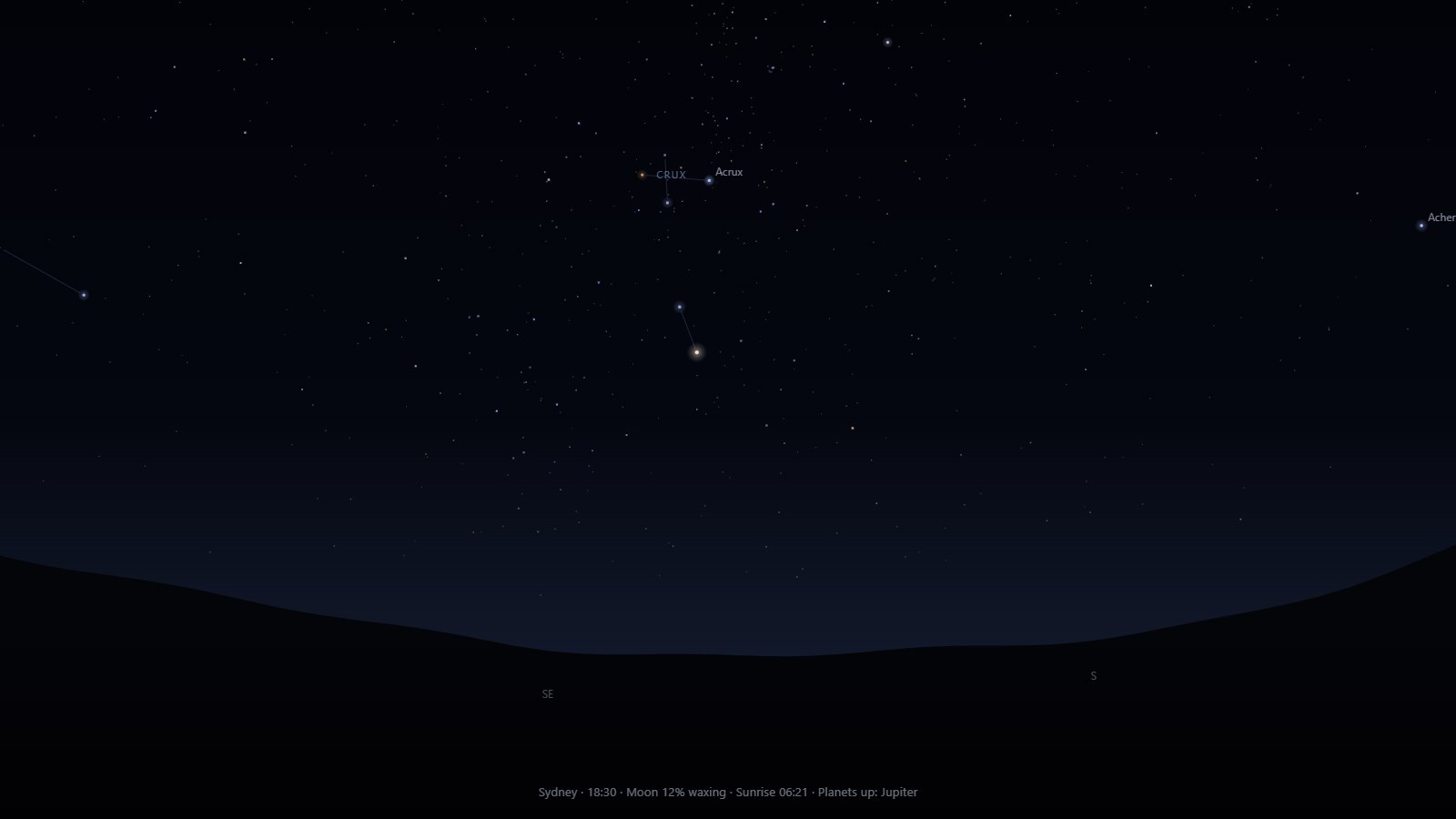
A window on the night sky
Your sky, right now
Pick your town and the stars, planets and Moon appear exactly where they are above you, moving across the sky through the night just as they do outside.
About 5,000 stars
Every star you could see on a clear, dark night, each in its true colour and brightness, gently twinkling and fading towards the horizon.
Planets, the Moon and the ISS
Mercury, Venus, Mars, Jupiter and Saturn, the Moon drawn in its real phase, and the International Space Station crossing your sky, all labelled so you know what you're looking at.
Constellations
Faint lines join the stars of Orion, the Plough, Cassiopeia and more, and their names softly come and go. Turn on pictures to see the hunter, the bull and the great bear drawn across the sky.
A slowly turning view
The view turns gently around the compass over the hills, with the occasional shooting star. With two or more monitors, the sky and the horizon carry on from one screen to the next.
Anywhere in the world
Over 50 cities to choose from, your own latitude and longitude, or your current location. See the Southern Cross from Sydney, or the northern sky from Reykjavik.
Settings
Click Settings… in Windows' Screen Saver Settings to make the Sky Tonight Screensaver your own. Your choices are saved for your Windows account.
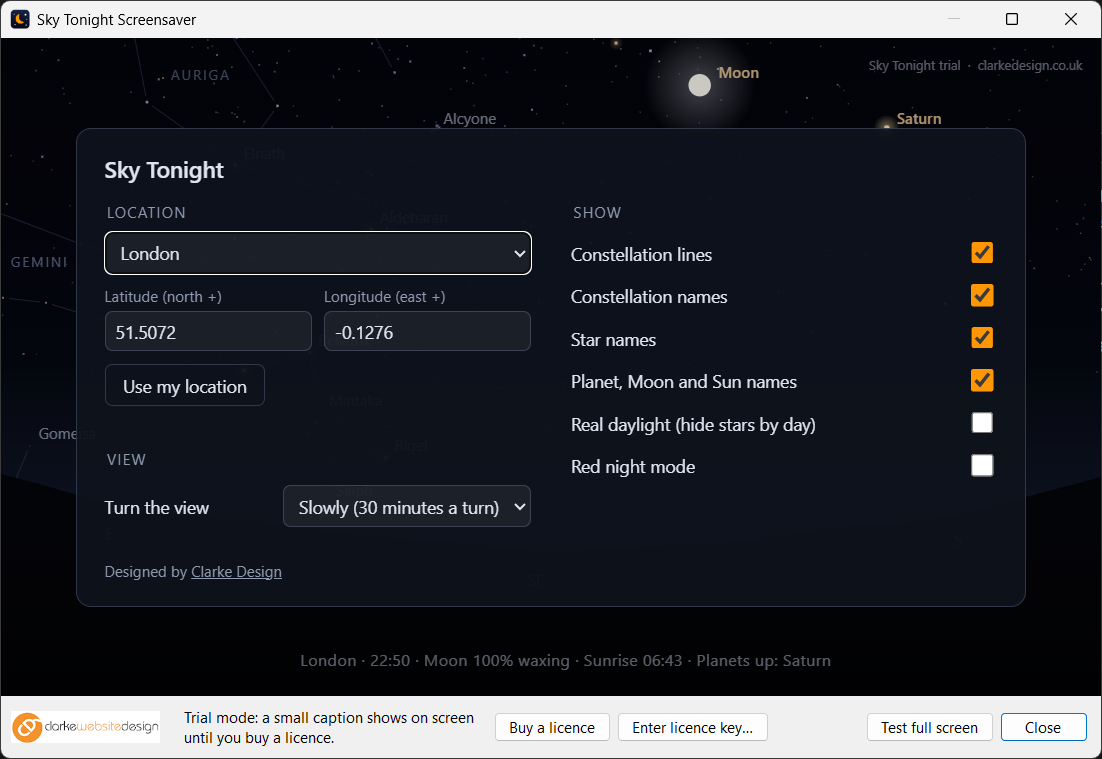
| Option | What it does |
|---|---|
| Location | Over 50 cities, your own latitude and longitude, or Use my location |
| Constellation lines | Faint lines joining the stars of each constellation |
| Constellation names | Names that softly fade in and out |
| Constellation pictures | Illustrations of 85 constellations, drawn faintly over their stars |
| Star names | The names of the brightest stars, such as Sirius, Vega and Betelgeuse |
| Planet, Moon and Sun names | Labels for the planets, the Moon and the Sun |
| Space Station (ISS) | The ISS where it is right now, with its path ahead and the time of its next visible pass |
| Information line | Your place, the time, the Moon's phase, sunrise or sunset and the planets that are up |
| Real daylight | Off shows the stars hidden behind the daylight; on turns the sky blue by day, just like outside |
| Red night mode | Everything in red, the way astronomers keep their night vision |
| Turn the view | Slowly (30 minutes a turn), Faster (12 minutes a turn), or don't turn |
| Shooting stars | Off, Occasional or Frequent |
| Dim display | Up to 90% darker |
| Displays | One sky across all your monitors, a separate sky on each, or the main monitor only |
Perfect for
- Stargazers and amateur astronomers
- Anyone who'd like to learn the constellations
- Classrooms, libraries and science corners
- OLED monitors and laptops
- Anyone who wants a calm, real view on their desk
Install in four easy steps
- Download the zip, then right-click it and choose Extract All…
- Copy Sky Tonight.scr into C:\Windows\System32. Windows will ask for permission, so click Continue.
- Type screen saver into the Start menu search and open Change screen saver.
- Choose Sky Tonight from the list, click Settings… to customise it, then click OK.
Just want a quick look first? Right-click Sky Tonight.scr and choose Test to see it full screen, or Configure to open its settings.
Frequently asked questions
Ready to try the Sky Tonight Screensaver?
It's free to try, it's small, and it takes a minute to install.
More screensavers: Flip Clock · Word Clock · Departure Board · Aurora · OLED Safe